PicSift
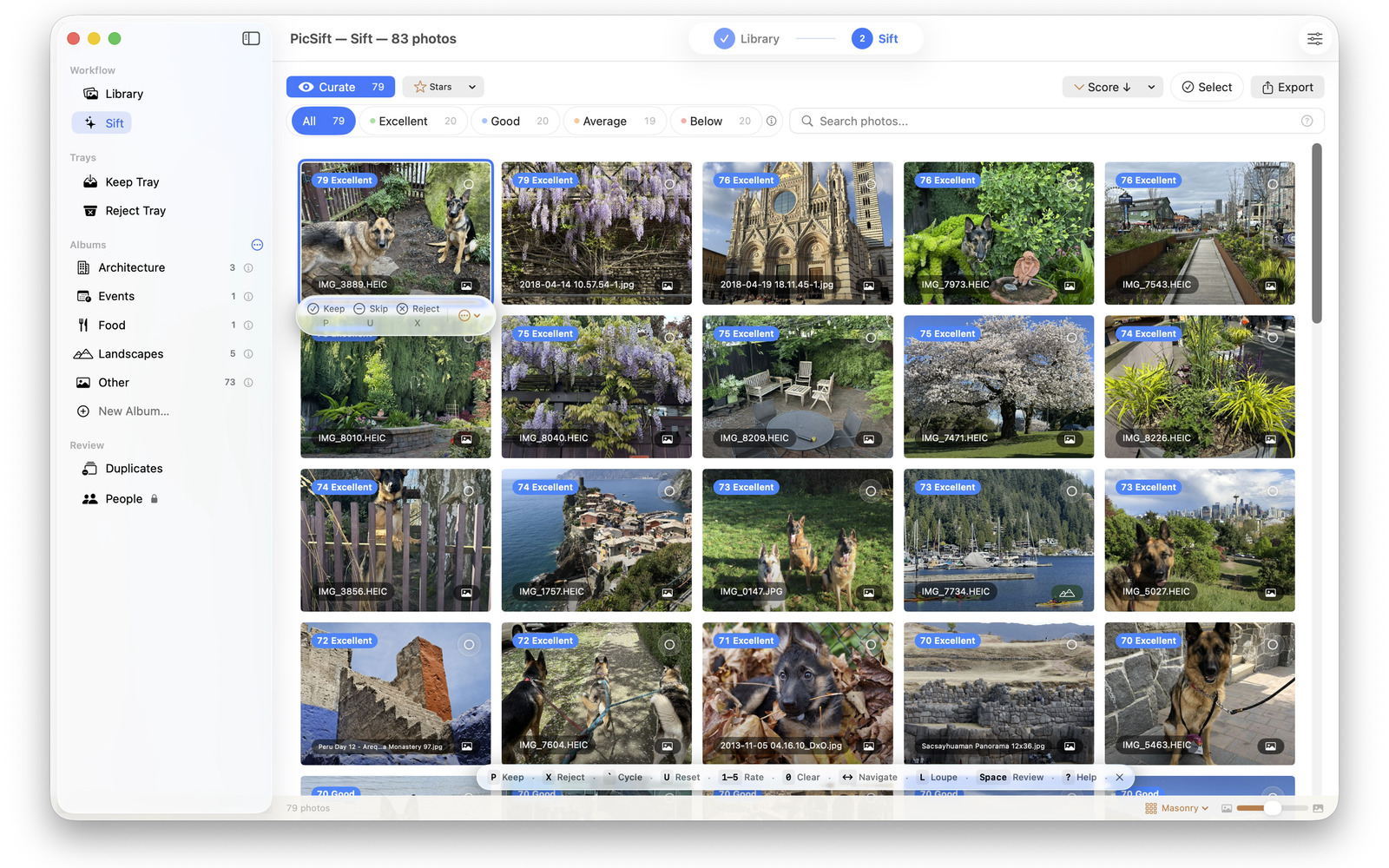
Other photo cullers hand down one number and keep the reasoning to themselves. PicSift names the models it uses, scores on six dimensions you can see, and tells you why a photo placed where it did.
No. 01 · The difference
It shows its work
Named models, legible scores.
Six dimensions
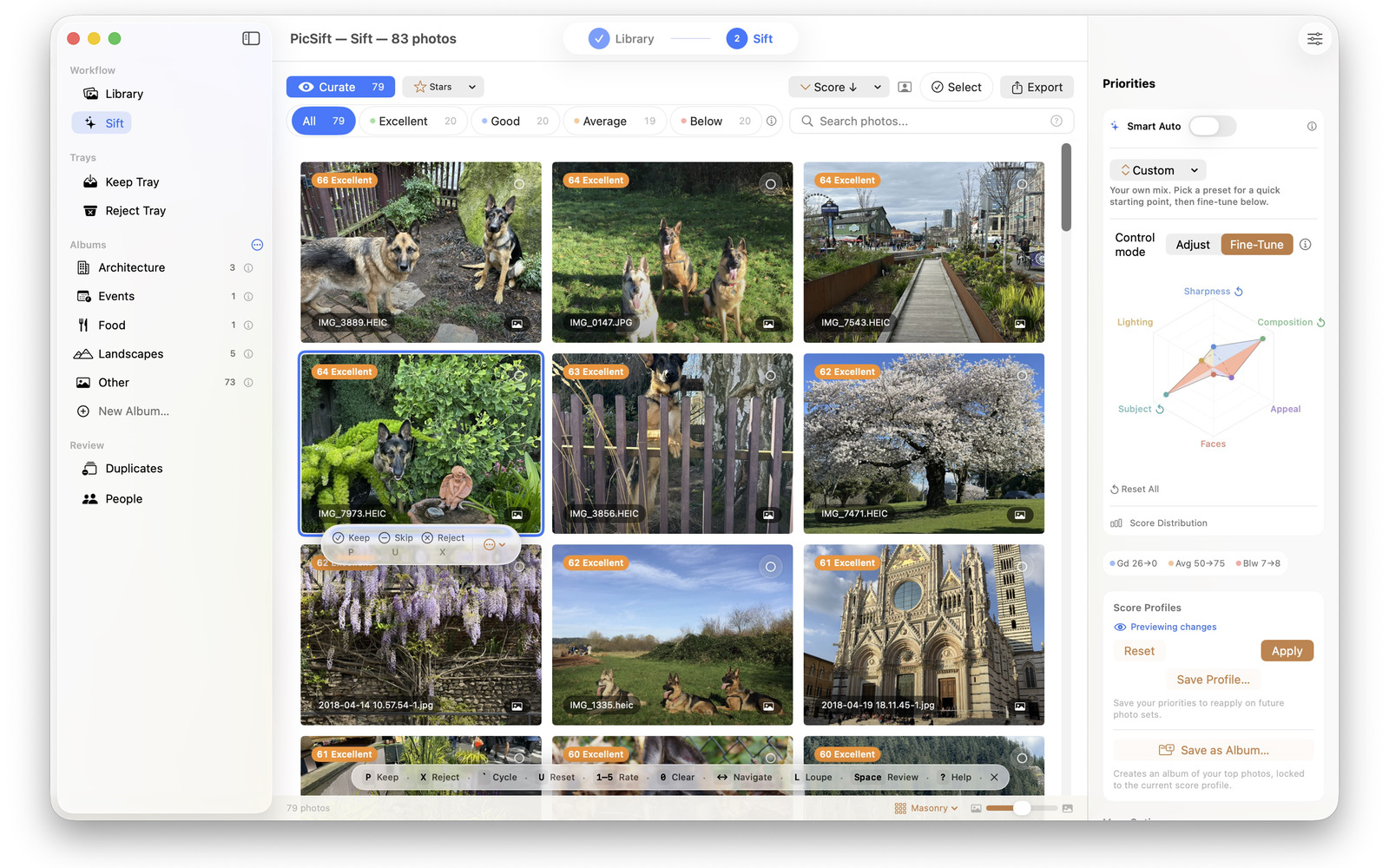
Overall appeal, sharpness, lighting, composition, faces and subject are scored separately, and each photo's breakdown is there to read. A single opaque number is the thing this app was built not to be.
Four tiers
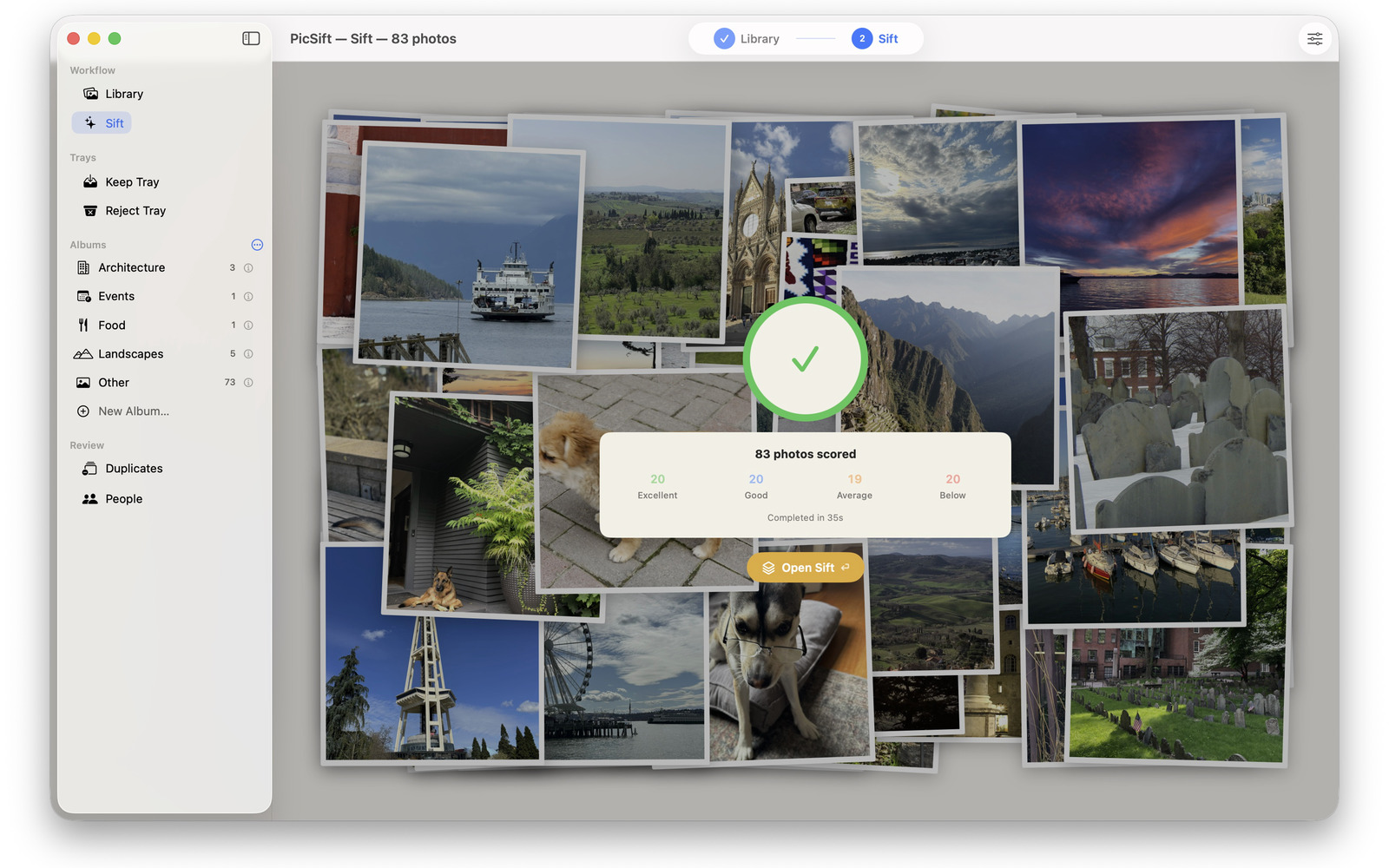
Every photo lands in Excellent, Good, Average or Below, so a set of any size resolves into four piles you can act on before you have looked at a single frame.
A Model Library
Each model PicSift uses is named in the app, with its origin, its training data, its licence and links to the research it came from. The work underneath is open, and so is the credit for it.
No. 02 · In use
Finding and deciding
Describe it, and it is there.
Visual search
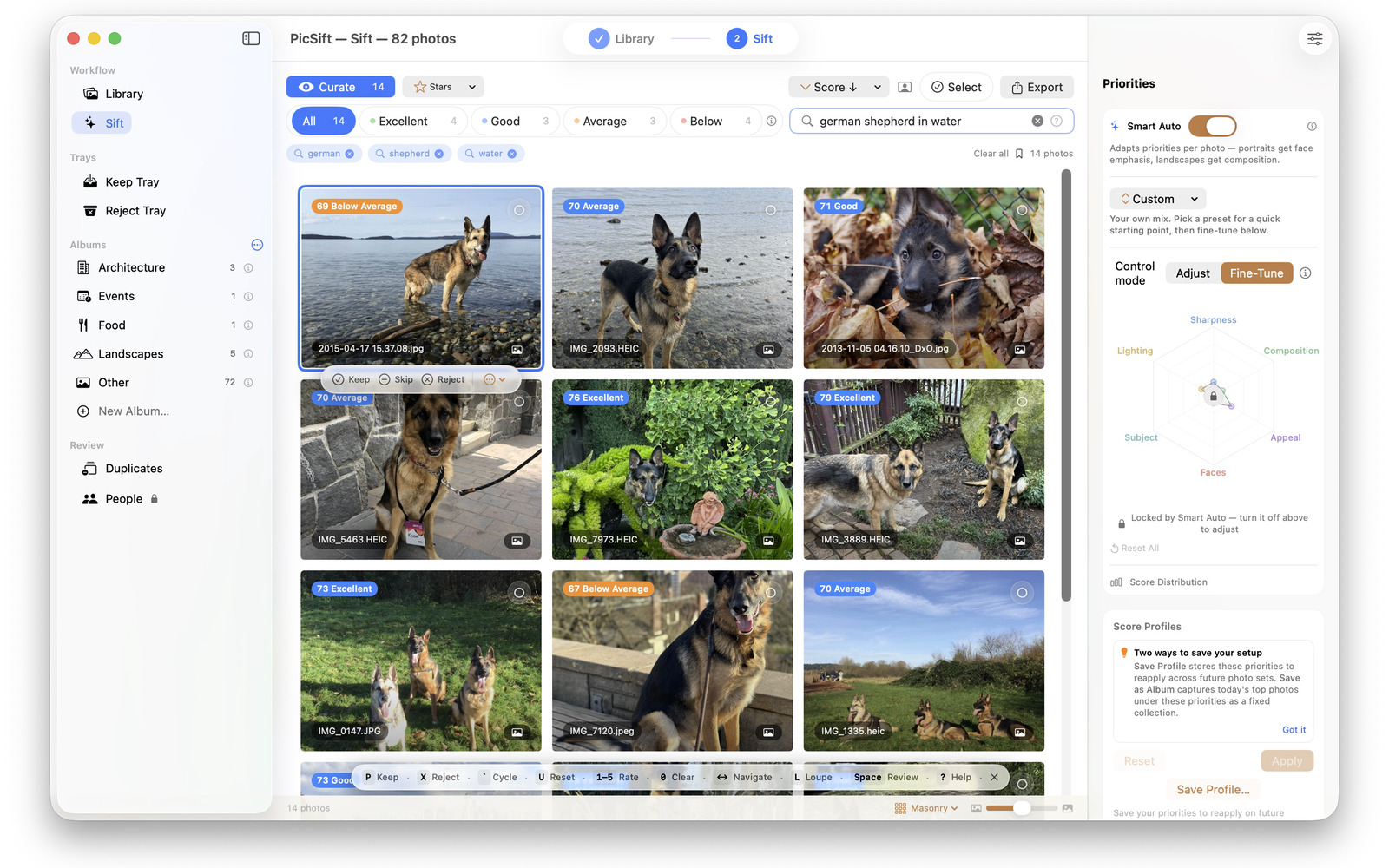
Type what you remember — a german shepherd in water, a skyline at dusk — and the library narrows to it. No tags, no setup; it runs on CLIP models on the device.
People
Face clustering gathers the library by person, so the regulars become a way of browsing rather than a thing you have to have labelled first.
Duplicates
Near-identical frames are found and grouped, which is how five versions of one shot become the one worth keeping.
No. 03 · Where it runs
On your machine
Nothing to sign in to.
The scoring, the searching and the face clustering all happen on the device. There is no account to make. Photos are not uploaded, and neither are their scores or their embeddings. There is no analytics — the only thing PicSift can ever send is a diagnostic report, and you are the one who sends it.
One Universal Purchase covers Mac, iPhone and iPad, and it is shared with your family the way any other app is.